How to Transfer Photos from iPhone to PC without iTunes

Don’t want to install iTunes to transfer photos stored on your iPhone? Here are five methods to transfer iPhone photos to your PC without iTunes.
Don’t want to install iTunes to transfer photos stored on your iPhone? Here are five methods to transfer iPhone photos to your PC without iTunes.
Are you unable to browse web pages or use internet apps because your iPhone will not stay connected to Wi-Fi? Check out solutions to the problem in this guide.

Read this post to learn how to retrieve deleted music from iPhone by re-downloading the app or through iCloud, iTunes, and Tenorshare UltData.
Frustrated at the spinning wheel showing on your screen? The article covers 4 effective methods of fixing the iPhone getting stuck on a black screen with spinning wheel.

iPhone text message sound not working even after checking your phone volume? Check out our article, which provides eight different ways to fix it.

Do you miss important information because your iPhone message notification isn’t working? Read this guide to learn how to easily fix the problem.

Do you have an iPhone that is locked with parental controls? Here is how to turn off parental controls without entering the password or losing data.

Do you have difficulty deleting apps on your iPhone? Here’s the real fix to get rid of the can’t delete apps on iPhone error from your device.

Interested in getting the most out of the Dark Mode on iOS? Here is how you can turn on dark mode on iPhone 12, 11, XR, X, 8, 7, and iPhone 6s.

Trying to turn off the Find My iPhone feature on your device, but do not have the password? Our article offers three ways you can bypass it.
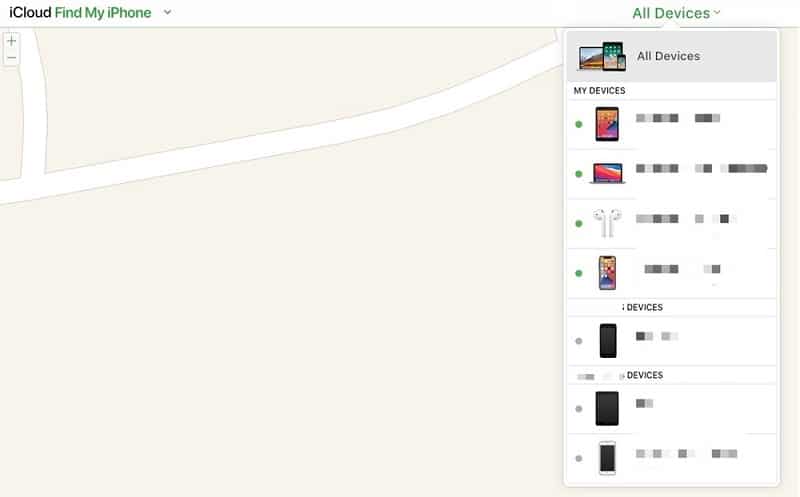
Are you getting started with the Find My iPhone Feature on Apple devices? Here’s how to add a device to Find My iPhone, like the MacBook, iPhone, and AirPods.

Do you want to stop others from checking your messages on your iPhone? Here’s how to lock up text messages on iPhone using two different methods.