How to Take a Screenshot on iPhone 12/11/X/Xr(All Models)

Want to share a screenshot from your iPhone quickly? Here is how to take a screenshot on iPhone 12, 11, X, XR, SE 2020, iPhone 8, 7, 6S, 6, 5, and iPhone 4.
This archives will show you all the iPhone tips & tricks, how-to guides and more to help you use your iOS devices – iPhone/iPad/iPod Touch more effectively.
Want to share a screenshot from your iPhone quickly? Here is how to take a screenshot on iPhone 12, 11, X, XR, SE 2020, iPhone 8, 7, 6S, 6, 5, and iPhone 4.

Tired of the constant freezes on your iPad? Well, you can fix this issue by making use of our top 6 recommended methods. Here’s how to go about them.

Are you not running the latest versions of apps on your iPhone and iPad? Here is how you can update apps on iPhone and iPad running iOS/iPadOS 14, 13, and 12.
Are you facing the Safari can’t connect to server iPhone error? Stick to this page and learn the top effective ways to resolve the issue of Safari could not connect to the server.
Learn how to close apps on iPhone 12, 11, X series without Home button and iPhone 8 and older with Home button. Close multiple apps on iPhone at once too.
You should factory reset your iPhone before you sell it, gift it out, or if it isn’t working correctly. Read this guide to learn how to factory reset iPhone without iTunes.
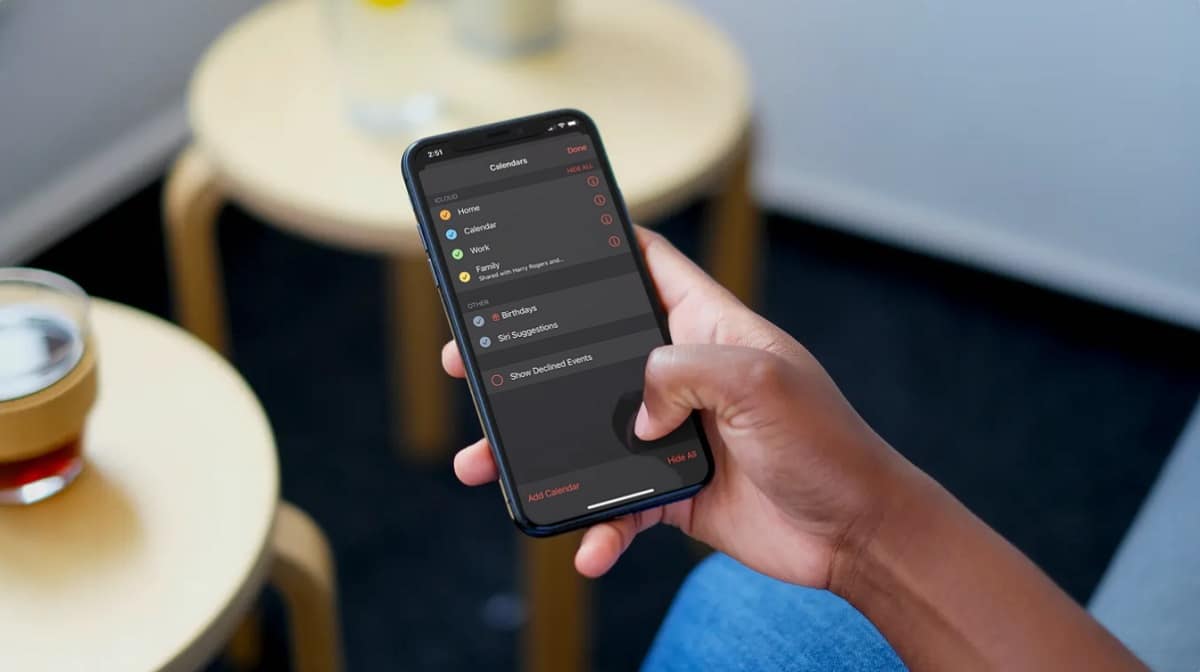
Apple’s Calendar app makes it easy to share your calendar on iPhone with the help of iCloud. This allows you to quickly share your personal or work schedule with a colleague and plan events together.

Is your iPhone battery suddenly draining fast and you’re wondering why? Read this guide to learn 10 different ways to fix battery drain issues on iPhone and iPad.
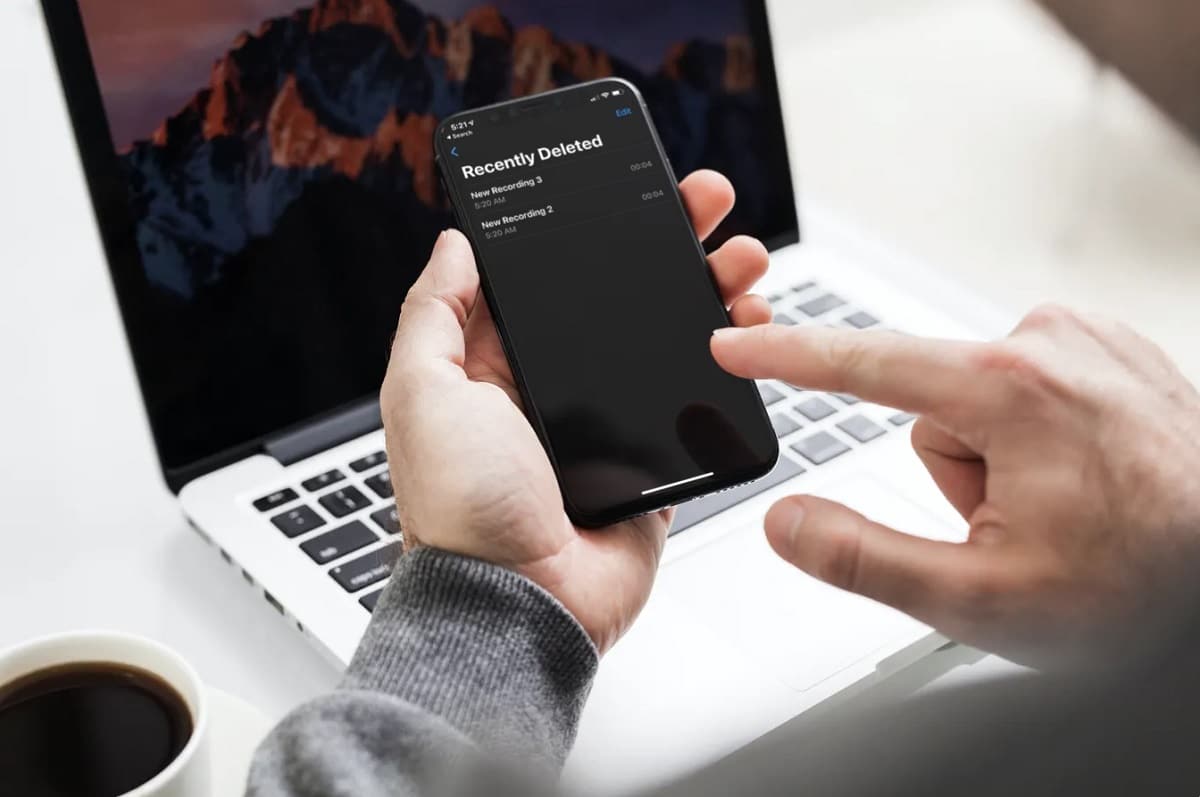
Accidentally deleted voice recordings stored on your iPhone? No need to worry since you can retrieve deleted voice memos easily using any of these 4 methods.
Are you unable to browse web pages or use internet apps because your iPhone will not stay connected to Wi-Fi? Check out solutions to the problem in this guide.

Don’t want to install iTunes to transfer photos stored on your iPhone? Here are five methods to transfer iPhone photos to your PC without iTunes.

Does your iPhone 11 keep disconnecting from WiFi? If yes, then our article covers nine methods that could potentially help resolve the issue.