How to Stop Sharing Location on iPhone Without Someone Knowing

This article will show iPhone users who share their location how to turn off location sharing without the other person knowing how the connection was lost.
This article will show iPhone users who share their location how to turn off location sharing without the other person knowing how the connection was lost.
Find the best Pokemon GO spoofers for iOS, and learn how to change or hide your GPS location to catch rare Pokemon on iPhone.
iPad data recovery software can bring back lost files you accidentally deleted. Read this review to find the best iPad recovery software for your device.
Looking for an iPhone location changer? Find the best ways to change GPS location on iPhone with iOS location changer apps in our detailed guide.
If you are looking for the iOS repair tool, find one by reading our comprehensive list of best iOS system recovery software that designed to repair the iOS in the most efficient way.

Do you want to stop others from checking your messages on your iPhone? Here’s how to lock up text messages on iPhone using two different methods.
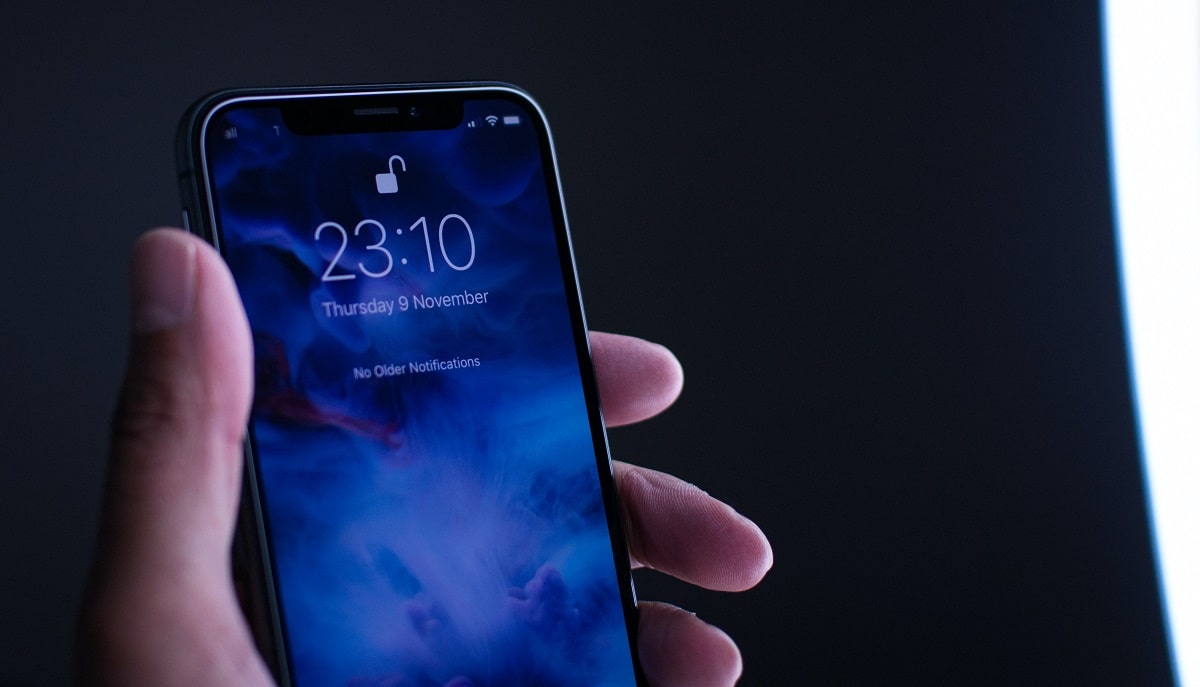
Forgotten your iPhone passcode? In this article, we explain how you can unlock your iPhone passcode without making use of a computer or Siri.
Want to share a screenshot from your iPhone quickly? Here is how to take a screenshot on iPhone 12, 11, X, XR, SE 2020, iPhone 8, 7, 6S, 6, 5, and iPhone 4.

Tired of the constant freezes on your iPad? Well, you can fix this issue by making use of our top 6 recommended methods. Here’s how to go about them.

Are you not running the latest versions of apps on your iPhone and iPad? Here is how you can update apps on iPhone and iPad running iOS/iPadOS 14, 13, and 12.
Are you facing the Safari can’t connect to server iPhone error? Stick to this page and learn the top effective ways to resolve the issue of Safari could not connect to the server.
Learn how to close apps on iPhone 12, 11, X series without Home button and iPhone 8 and older with Home button. Close multiple apps on iPhone at once too.